For friends

Build something together, each from your own phone

One of you runs Vendetta. The others get an invite, their own chats, and the shared project. Everyone prompts the same agents, and every message says who sent it.

The words are on screen. Read them as text

How it goes

  1. Add your friends

    Add each friend in Settings, under People. Each gets a Vendetta of their own on your computer, and a pairing code.
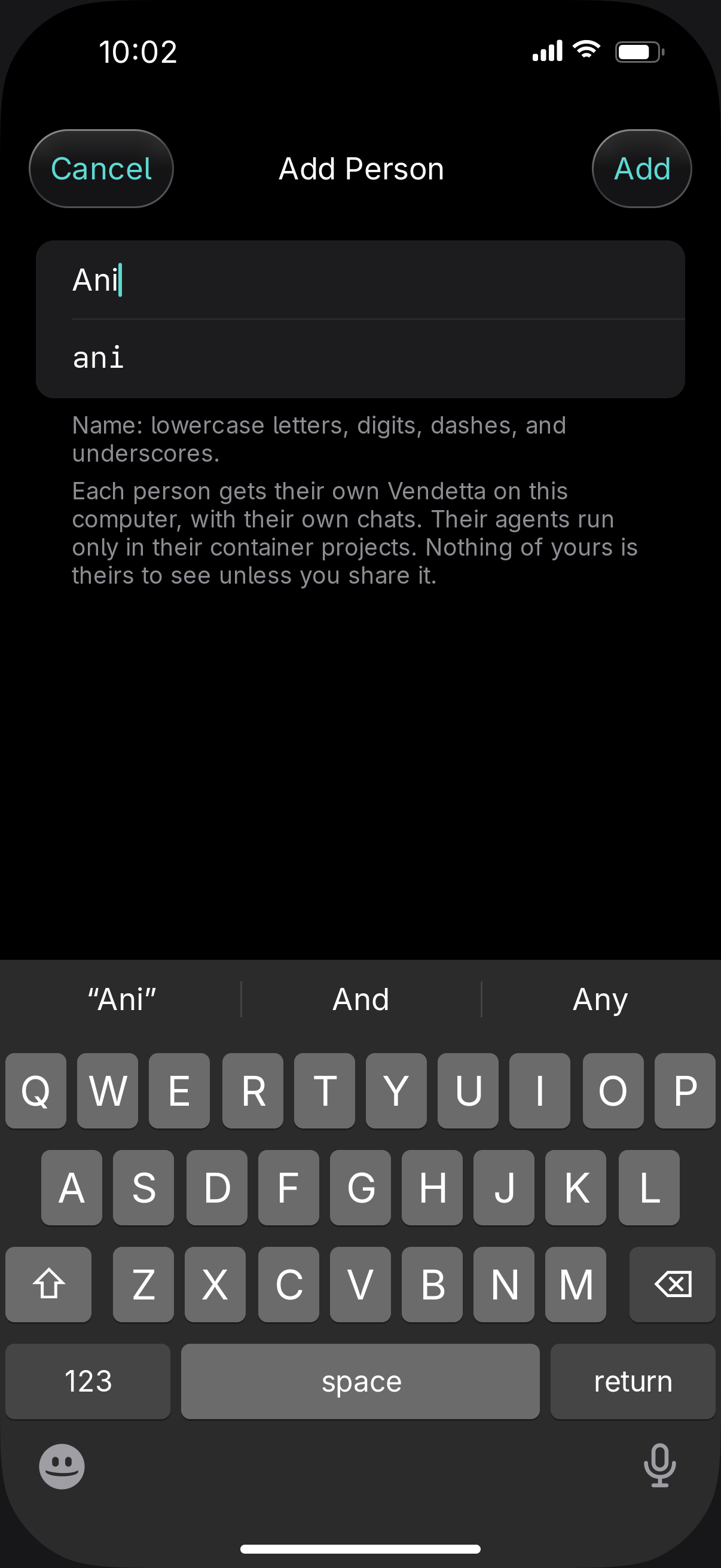
    The Add Person sheet on iPhone with a display name typed and the name it becomes
  2. Share the project

    Share the project with them. They can prompt its agents, answer their questions, and start new ones.
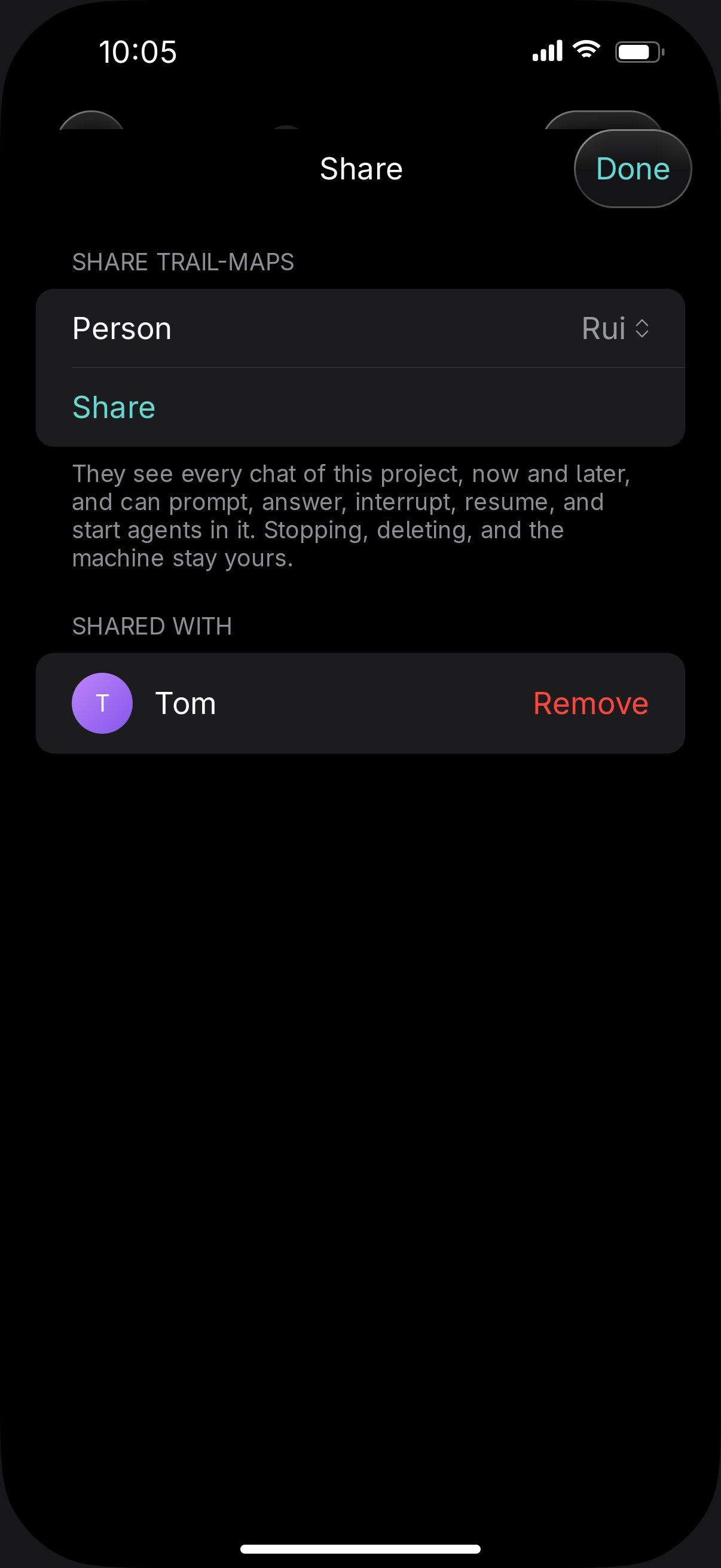
  3. Send them the code

    Each friend opens your link in the iPhone app or a browser and enters the code. A code works once.

  4. Work in the same chat

    Every message says who sent it, and the agent answers that person.

  5. Keep stop and delete to yourself

    Only you can stop or delete the project's agents, and you can end the share whenever you like.
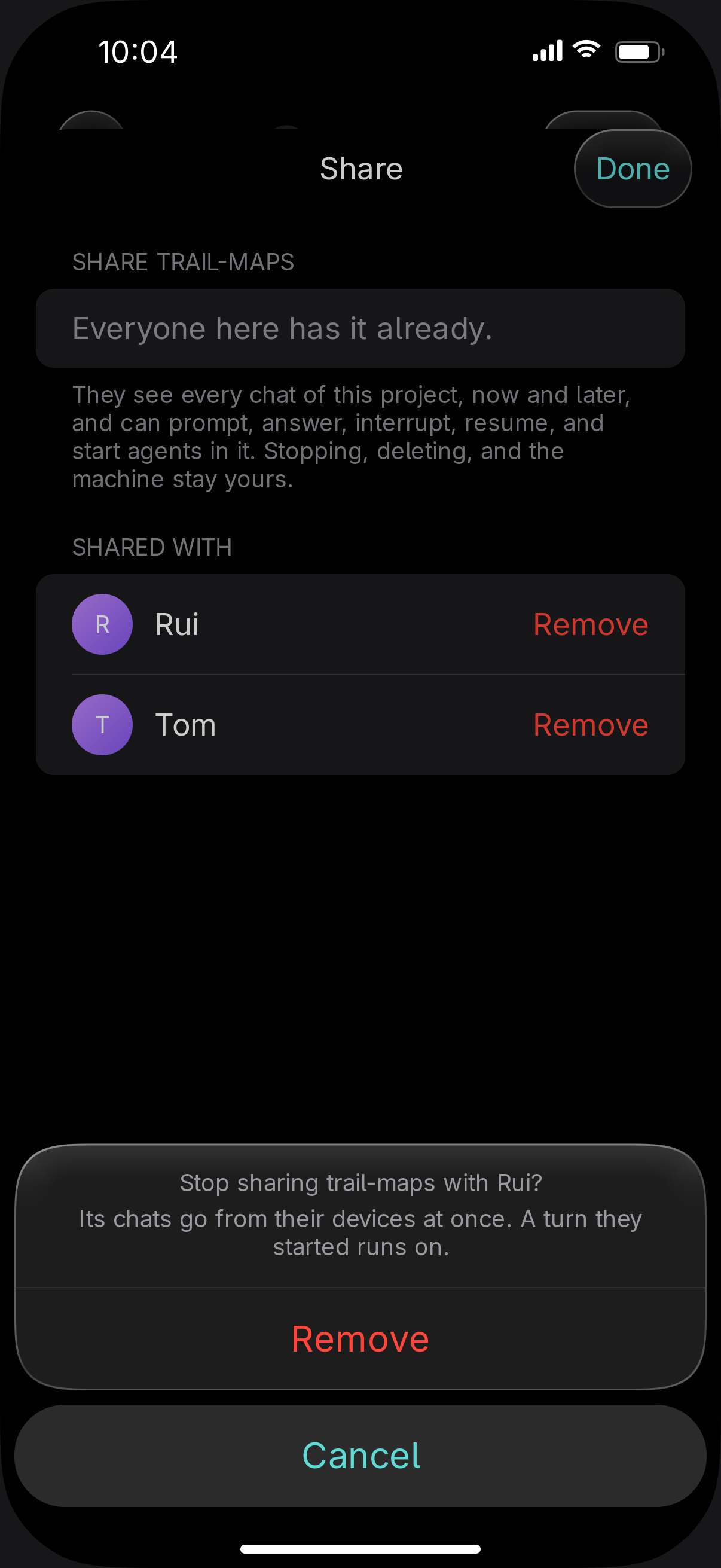
    Ending a share on iPhone: the Share sheet for trail-maps asks Stop sharing trail-maps with Rui? Its chats go from their devices at once, with Remove and Cancel

A shared project's agents run in a container on your computer, and containers run Claude Code only.

What it needs

One computer that stays onYours. Linux or macOS, with rootless Podman for the containers.
A way for your friends to reach itEach friend installs Tailscale on their phone and signs in. Invite them to your tailnet, or share the machine with them.
A Claude accountYours runs the shared project's agents, so your friends' prompts count against your plan. Their own projects can use their own account.

The guide: Share a project with a friend

Adding a person is one command, or one screen in the app

$ vendetta instance add tom
$ vendetta instance add rui